Copy Any Component into Lovable
Select any element on the web and Pluck creates a ready-to-use prompt for Lovable. Build full-stack apps faster with real-world UI components.
Lovable turns prompts into full-stack apps fast, but the UI is only as sharp as the description you start from. Vague prompts produce generic results.
With Pluck you start from a real design. Capture any component from any website and paste the structured context into Lovable so the app it scaffolds matches the look you actually want — real spacing, real type, real layout — instead of a rough approximation.
How it works
Three steps. No setup, no config. Just point, click, and paste.
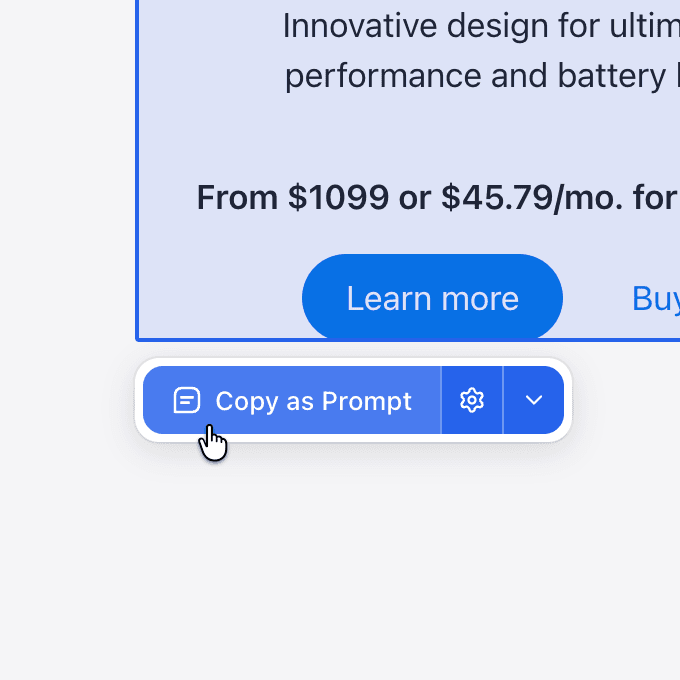
Select any component
Click any element on any website. Pluck highlights it and captures the full structure — HTML, styles, layout, and assets.
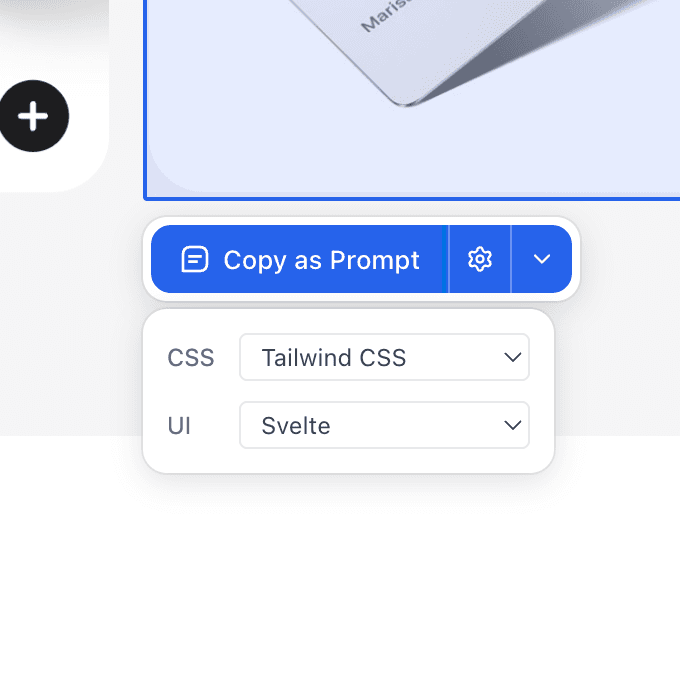
Target your stack
Choose your CSS and UI frameworks. Pluck tailors the output to match your project — Tailwind, React, Svelte, Vue, and more.
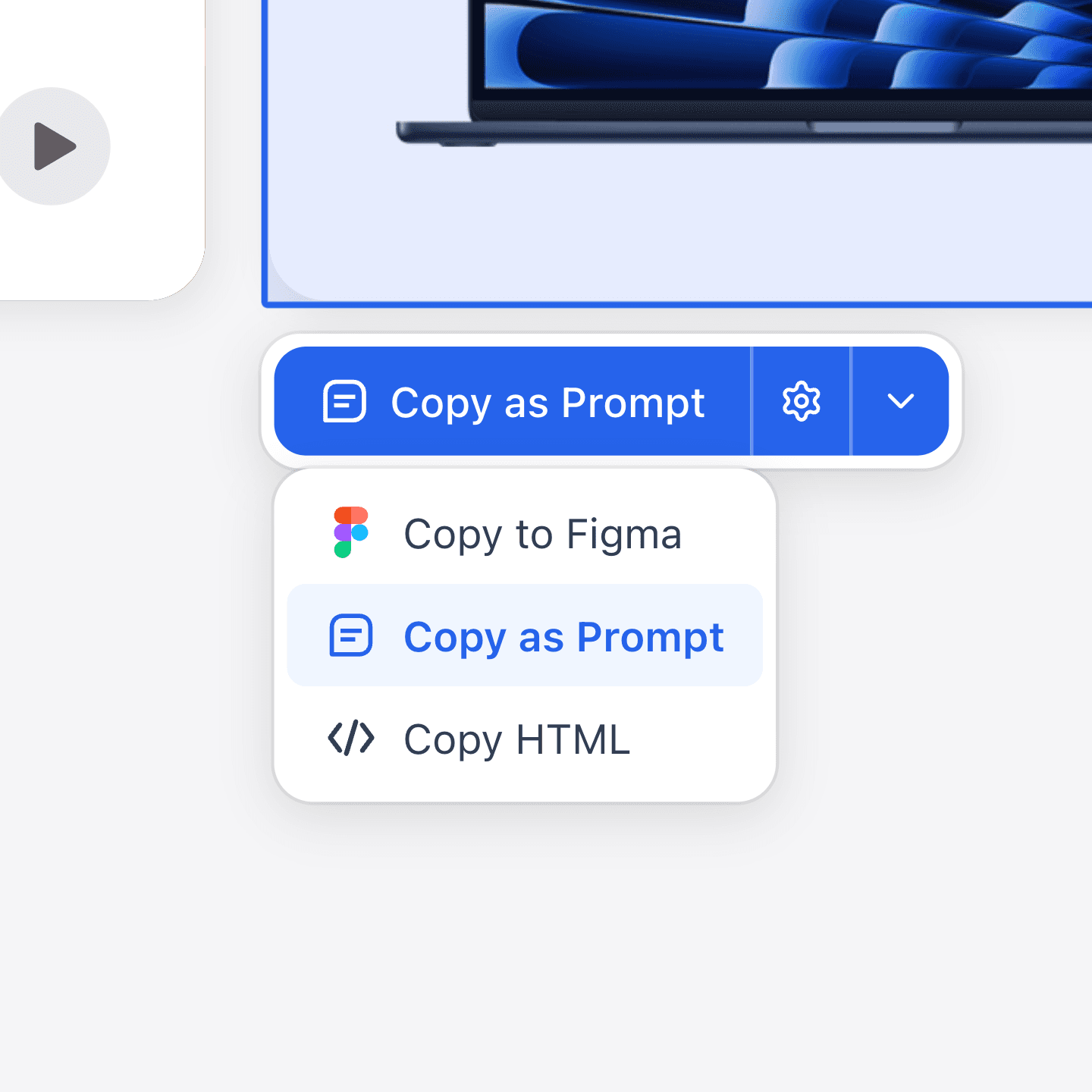
Copy and paste
Copy as a structured prompt for any AI tool, paste into Figma as editable vectors, or grab the raw HTML.
Supercharge Lovable Projects
Pluck gives Lovable the full context of any web component — HTML, styles, and assets — so you get pixel-perfect results instantly.
Pricing
Start free. Credits power hosted image generation; local Codex is always free.
$0/mo
Free forever
- 50 plucks per month, prompt or Figma
- Studio boards and library
- Free generation with your own Codex
- First 100 website flows
$100/yr
2 months free
- 1,000 credits every month
- Unlimited plucks
- Full Flows library
- Hosted generation, every model
- Credit top-ups
$290/yr
2 months free
- 3,500 credits every month
- Unlimited plucks
- Full Flows library
- Priority generation queue
- Credit top-ups
Securely processed by Polar
$790/yr
2 months free
- 10,000 credits every month
- Unlimited plucks
- Full Flows library
- Priority generation queue
- Largest upload limits
Related guides
How to Copy a Website Component into Lovable
Lovable can only match a design it can see. Pluck any component from a live site and paste it into Lovable with every style intact.
How to Clone a Website with AI (Without Writing a Single Selector)
Stop describing designs to your AI. Learn the modern workflow for cloning any website into Claude, Cursor, Lovable, or v0 — with full design context, in one click.
FAQs
Got questions? We've got answers.