Copy Any Component into Claude
Pluck captures every detail of any web component and generates a rich prompt for Claude. Get pixel-perfect implementations from a single paste.
Claude writes excellent code when it understands what you're after. The hard part is describing a UI in words precise enough to reproduce — every color, radius, and spacing value matters, and prose loses them.
Pluck gives Claude the real thing. Select any element on any website and Pluck extracts its structure, computed CSS, and assets into a prompt Claude can read directly. No more iterating on "make the padding a bit bigger" — Claude gets the exact values and nails the layout in one pass.
How it works
Three steps. No setup, no config. Just point, click, and paste.
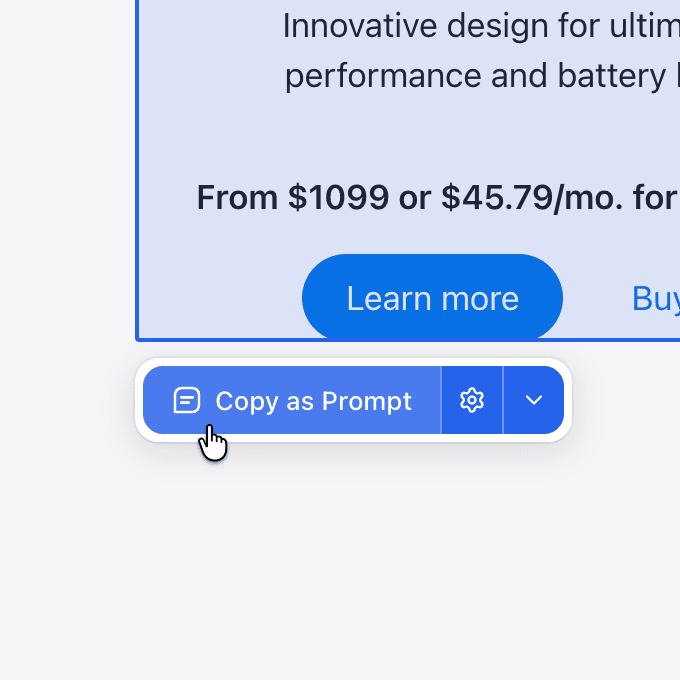
Select any component
Click any element on any website. Pluck highlights it and captures the full structure — HTML, styles, layout, and assets.
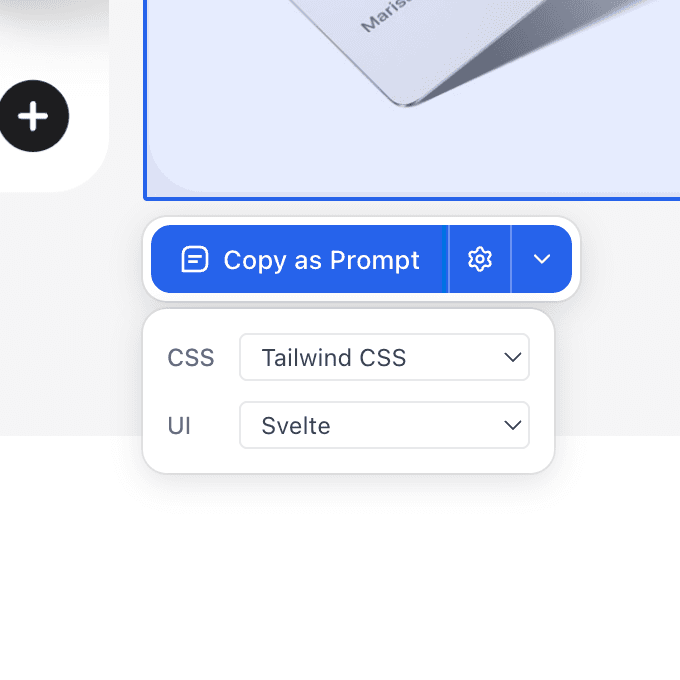
Target your stack
Choose your CSS and UI frameworks. Pluck tailors the output to match your project — Tailwind, React, Svelte, Vue, and more.
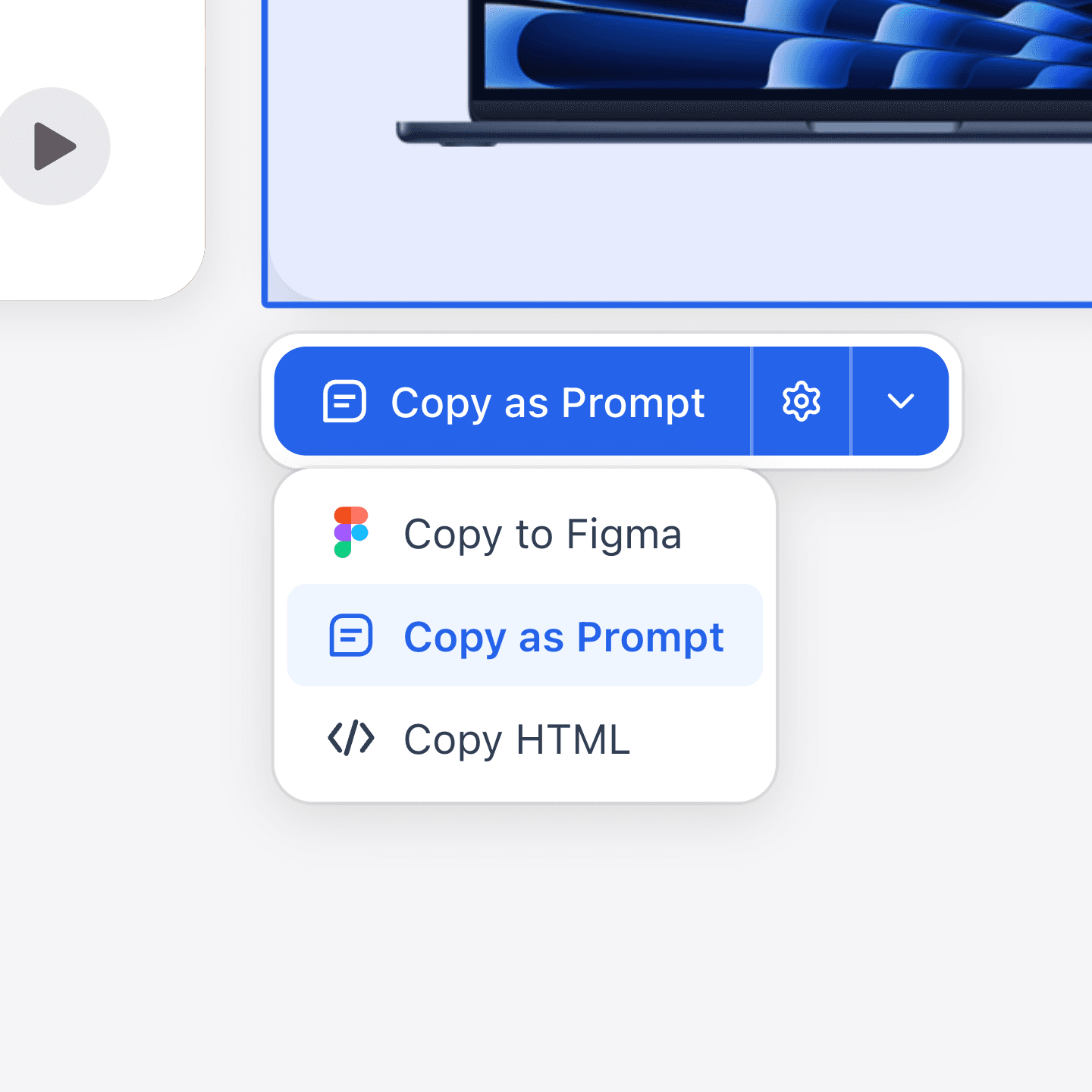
Copy and paste
Copy as a structured prompt for any AI tool, paste into Figma as editable vectors, or grab the raw HTML.
Perfect Prompts for Claude
Claude needs context to produce great code. Pluck provides the complete picture — structure, styles, and assets — so Claude nails it first try.
Pricing
Start free. Credits power hosted image generation; local Codex is always free.
$0/mo
Free forever
- 20 prompt plucks per month
- 3 Figma plucks per month
- Studio boards and library
- Free generation with your own Codex
$100/yr
2 months free
- 1,000 credits every month
- Unlimited plucks
- Hosted generation, every model
- Credit top-ups
$290/yr
2 months free
- 3,500 credits every month
- Unlimited plucks
- Priority generation queue
- Credit top-ups
Securely processed by Polar
$790/yr
2 months free
- 10,000 credits every month
- Unlimited plucks
- Priority generation queue
- Largest upload limits
Related guides
FAQs
Got questions? We've got answers.