Copy Any Component into Bolt
Pluck captures full component context from any website and generates prompts optimized for Bolt. Build production-ready apps faster.
Bolt builds and runs apps straight from a prompt. Feed it a fuzzy description and you get fuzzy UI; feed it precise component context and you get something you'd actually ship.
Pluck supplies that precision. Click any element on any site to capture its HTML, computed styles, and assets, then drop the generated prompt into Bolt. The result reflects the source design down to the spacing and colors — no manual CSS cleanup afterward.
How it works
Three steps. No setup, no config. Just point, click, and paste.
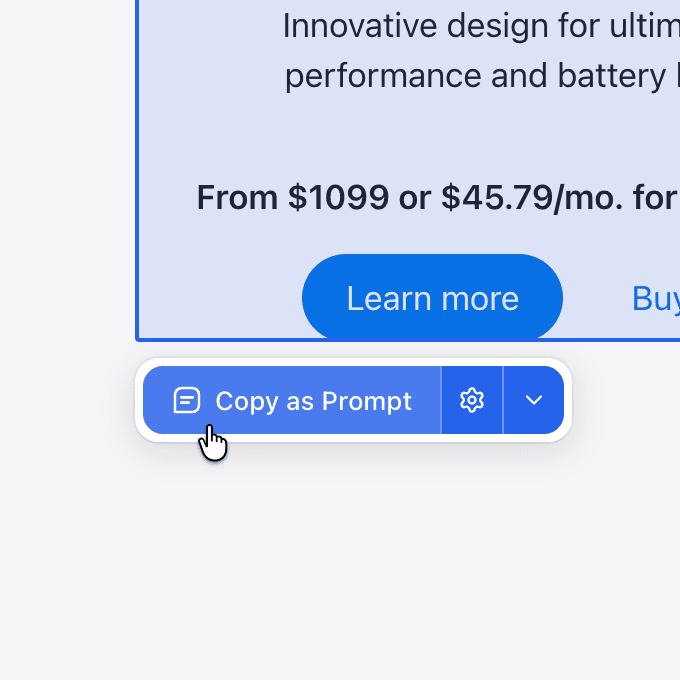
Select any component
Click any element on any website. Pluck highlights it and captures the full structure — HTML, styles, layout, and assets.
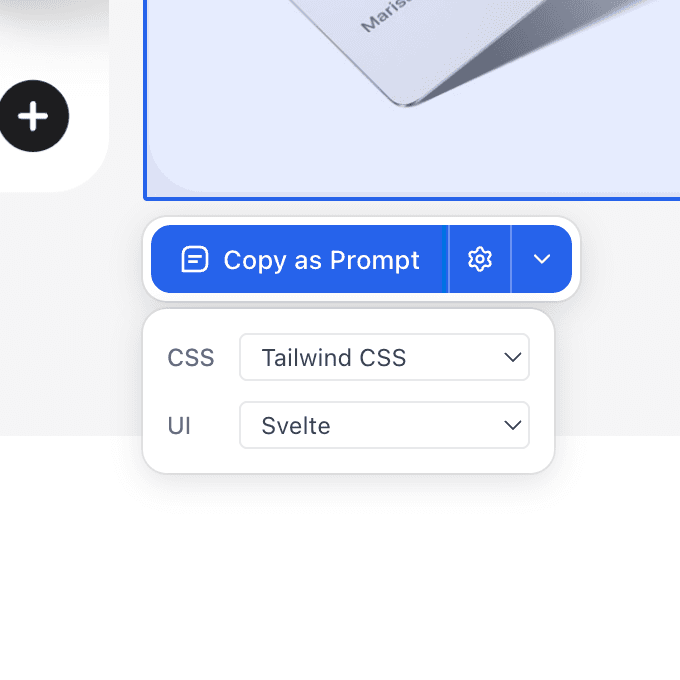
Target your stack
Choose your CSS and UI frameworks. Pluck tailors the output to match your project — Tailwind, React, Svelte, Vue, and more.
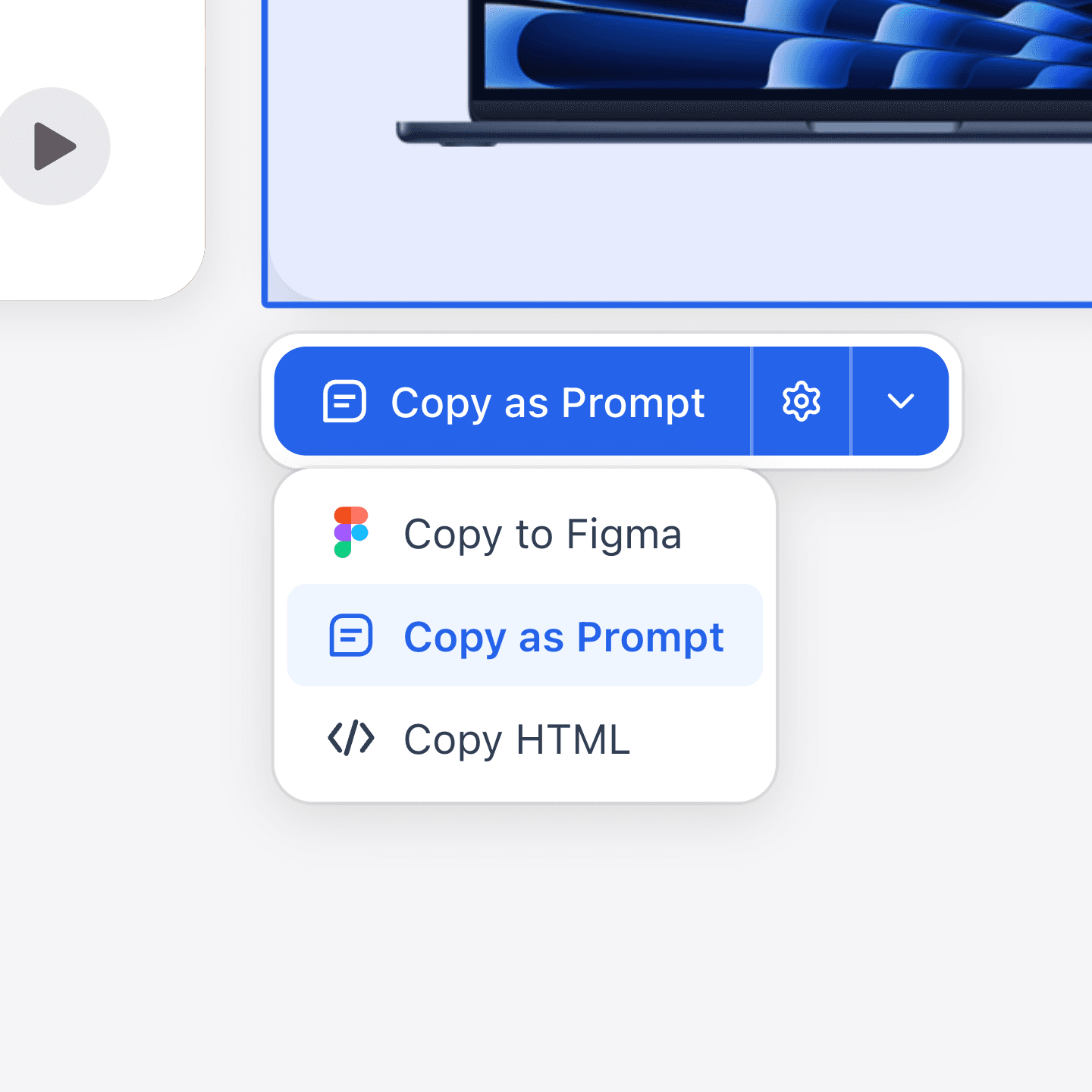
Copy and paste
Copy as a structured prompt for any AI tool, paste into Figma as editable vectors, or grab the raw HTML.
Accelerate Bolt Development
Pluck extracts complete component details — HTML, styles, layout — giving Bolt's AI everything it needs for a perfect build.
Pricing
Start free. Credits power hosted image generation; local Codex is always free.
$0/mo
Free forever
- 20 prompt plucks per month
- 3 Figma plucks per month
- Studio boards and library
- Free generation with your own Codex
$100/yr
2 months free
- 1,000 credits every month
- Unlimited plucks
- Hosted generation, every model
- Credit top-ups
$290/yr
2 months free
- 3,500 credits every month
- Unlimited plucks
- Priority generation queue
- Credit top-ups
Securely processed by Polar
$790/yr
2 months free
- 10,000 credits every month
- Unlimited plucks
- Priority generation queue
- Largest upload limits
Related guides
FAQs
Got questions? We've got answers.